 Inference
 Marketplace


Introduction
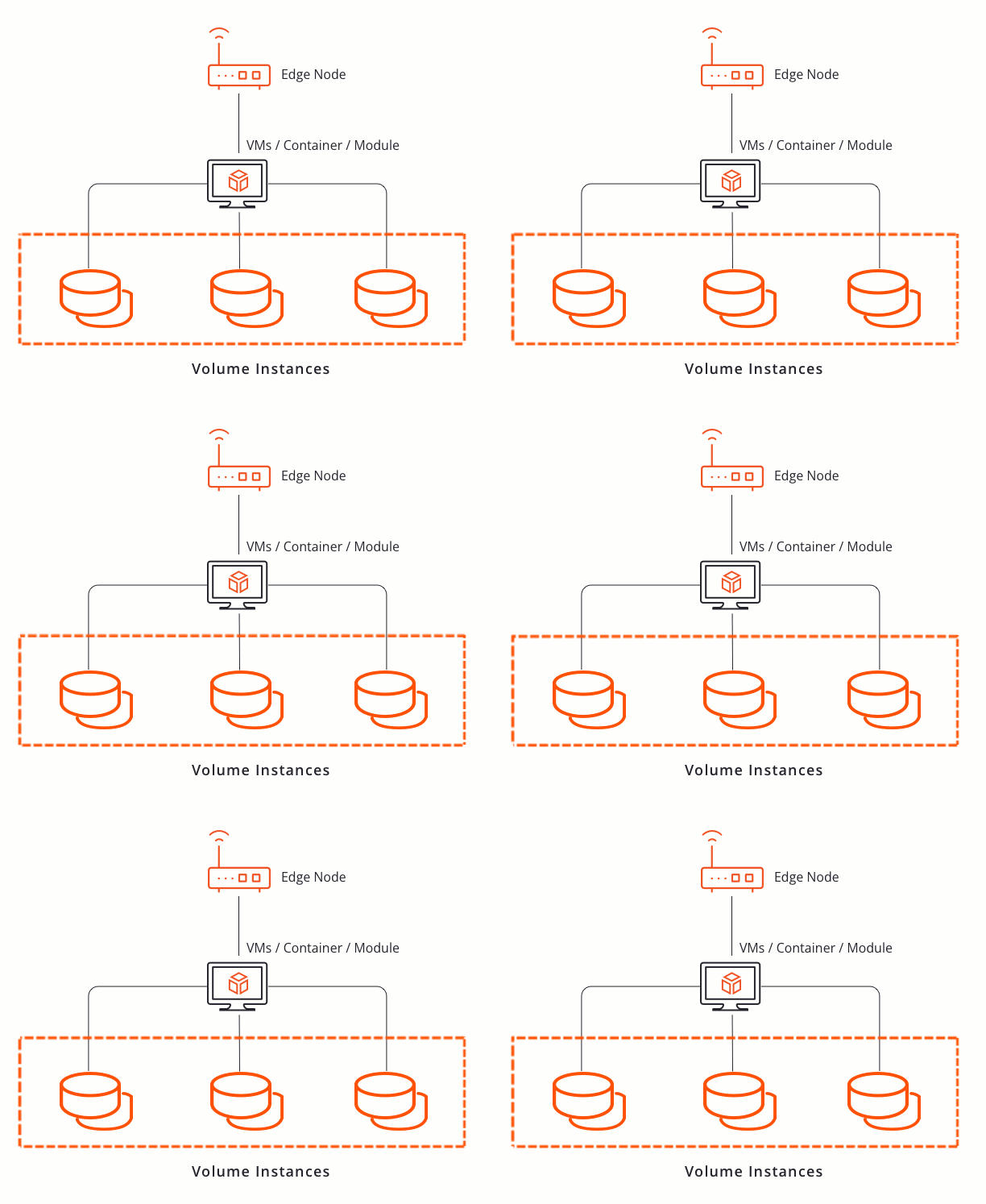
A volume instance in Edge Infrastructure Services is a storage allocation on a node that edge applications use to store data, persist state across reboots, or share data with other applications running on the same node.How It Works
Persistence
By default, drive storage in an edge application is non-persistent. When you run a Purge and Update operation on an application, EVE-OS wipes the drive and rebuilds it from the original source. All runtime data on that drive is permanently deleted. You can make a drive persistent by enabling the Persistent toggle on that drive in the edge application definition (in the Marketplace, in the Drives step). A persistent drive’s volume belongs to the node rather than to the application instance, and its data survives both Purge and Update operations and application deletion. See Add Persistent Volumes for configuration steps.Shared volumes
A single block storage volume instance can be attached to multiple edge applications running on the same node. This allows applications to read from and write to a common data source. See Attach Volumes to Multiple Applications for the configuration steps.Key Benefits
- Persistent application data. Volumes retain application state across reboots and updates, preserving logs, configuration, and runtime data.
- Efficient image pre-staging. Image volumes allow large application images to be downloaded to nodes in advance, reducing deployment time in low-bandwidth environments.
- Data sharing between applications. Block storage volumes can be shared across multiple applications on the same node, enabling coordinated access to common datasets.
- Per-node lifecycle management. Volumes are scoped to the node where they are created, giving you fine-grained control over storage allocation on each device.